ComponentsNav Widget
A searchable table of contents for huge Figma design system files, with instant jump navigation, status badges, and a reliable way back.
Role
Product Designer & Developer
Project Type
Figma Widget
Focus
Design System Wayfinding
Navigation tax
A large Figma file needed a map, not more zooming and panning
Design system files become dense cities: pages, wrappers, component sets, private parts, deprecated pieces, experiments, and legacy leftovers. The layers panel is technically accurate, but it is a poor map for daily work.
ComponentsNav was built to answer simple questions quickly: what is in this file, where is the component, what state is it in, and how do I return after jumping across the canvas?
Core behavior
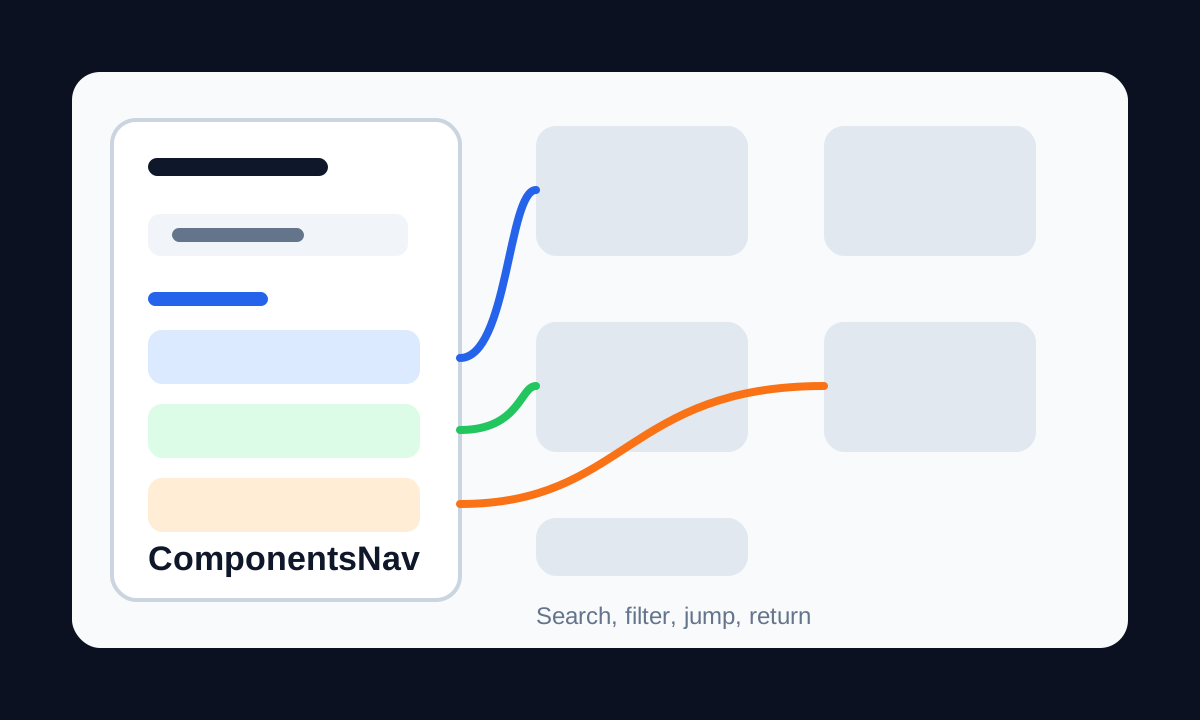
Search, jump to the component, then get back without losing orientation
The widget reads Principal's component registry and renders a grouped index directly on the canvas. Clicking a component tile moves the viewport to the exact component.
A temporary Back to widget action solves a tiny but painful Figma problem: jumping somewhere useful and immediately losing the original context.
What made it practical
The index behaves like a design-system tool, not just a list
Page and Wrapper Grouping
Components are grouped by Figma page and top-level wrapper frame, matching how teams mentally organize large libraries.
Design and Dev Badges
Tiles show state such as Draft, In Review, Ready for Dev, Deprecated, and implementation progress through DevPal integration.
Private and Deprecated Filters
Users can hide private components prefixed with an underscore and filter out deprecated items to keep the index relevant.
Fast Client-Side Search
Search filters the local index instantly, which matters when a file contains hundreds of components.
Performance and sync
The widget does not rescan the city every time it opens
ComponentsNav consumes the component_registry generated by Principal from sharedPluginData, so it loads from a prepared semantic map instead of crawling the whole file.
Status updates are written back to the component node and synced to the Principal backend through a hidden iframe. Pagination and lazy loading, 20 tiles at a time, keep the widget responsive on massive canvases.
Outcome
The canvas became searchable and understandable for people who did not build it
- Reduced time spent hunting for components during audits, reviews, onboarding, and handoff.
- Made readiness and deprecation state visible at the same moment as navigation.
- Showed how Principal's semantic layer can power lightweight tools that feel useful immediately.