Smart Selection
A Figma plugin for selecting, saving, and combining deeply nested object sets by traits instead of manually chasing layers.
Role
Product Designer & Developer
Project Type
Figma Plugin
Focus
Object Selection & Layer Management
Personal friction
The work was not hard because of design decisions, it was hard because selecting things was slow
When editing component sets with dozens or hundreds of variants, the painful part is often not deciding what to change. It is finding every nested text layer, icon, or object that needs the change.
Figma's native selection is built around visible interaction. Design system refactoring often needs object logic: select all items matching these traits, inside this structure, and remember that selection for later.
Plugin concept
I turned selection into a queryable workflow
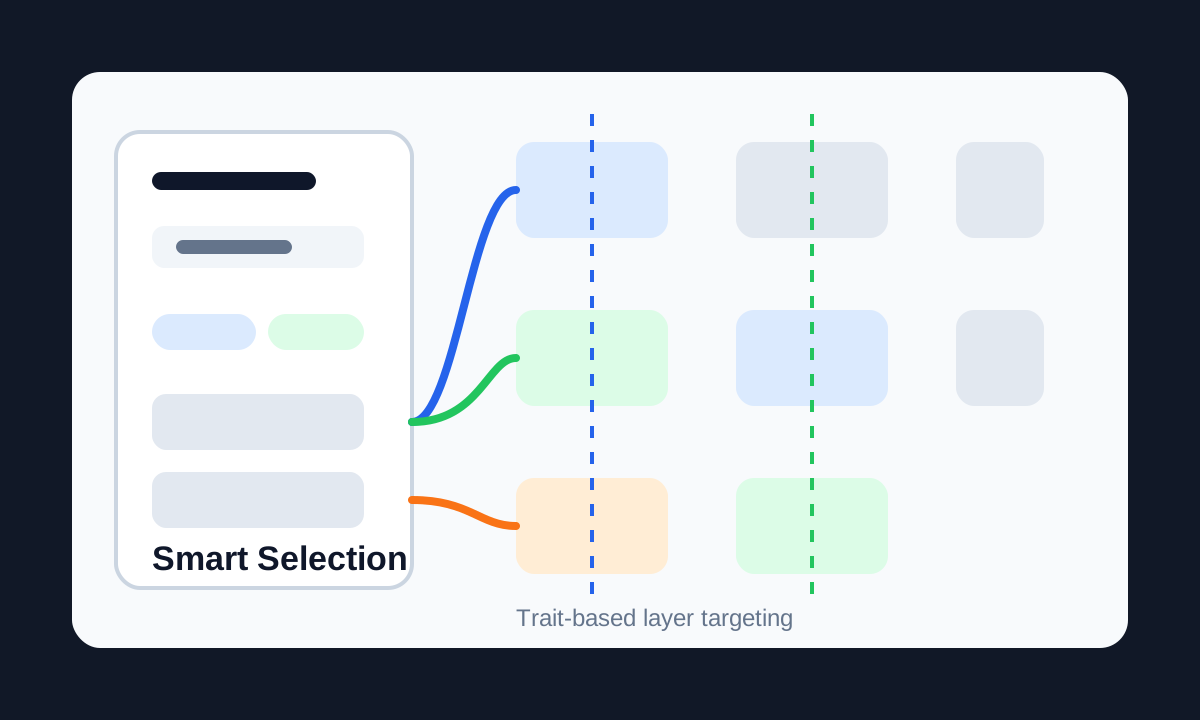
Smart Selection lets designers define what they are looking for, scan deep hierarchy, isolate matching objects, save complex selections, and combine them for more advanced batch operations.
The goal was not to create a flashy utility. It was to remove the mechanical layer hunting that quietly drains time and focus from design system work.
Refactoring toolset
Save, recall, combine, exclude: selection became reusable
Trait-Based Selection
Select by layer type, style, name pattern, location, or role inside a component structure.
Deep Selection
Scan nested groups, component sets, and auto-layout structures without endless double-clicking.
Saved Selections
Store complex selections so a multi-pass refactor does not restart from zero every time.
Logical Combinations
Combine, intersect, or exclude saved sets to create precise batch operations without overwhelming the user.
UX and implementation
The challenge was making complex logic feel native to Figma
The plugin traverses selected node trees, evaluates nodes against user-defined criteria, and returns matching layers as the active Figma selection.
I used AI-assisted development to move quickly through boilerplate and focus on the hard parts: Figma API edge cases, performance on large node trees, and UX for logical operations that should feel powerful but not intimidating.
Outcome
Routine cleanup became a focused action instead of a click marathon
- Turned repetitive selection and batch-editing tasks from minutes of manual clicking into seconds of targeted action.
- Made large component refactors less risky by isolating exactly the intended objects.
- Improved workflow comfort by removing one of the most draining parts of design system maintenance.