ComponentCard Widget
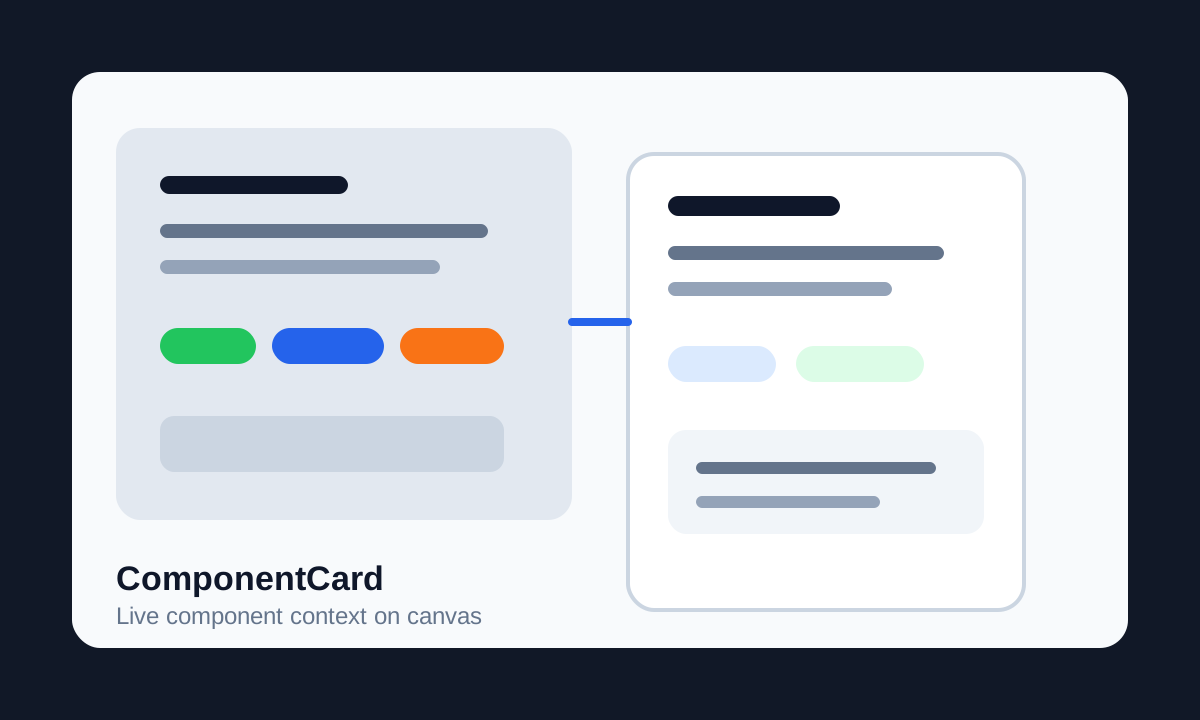
A Figma widget that keeps component documentation, status, implementation type, and changelog exactly where design decisions happen: on the canvas.
Role
Senior Product Designer, DS Lead & Developer
Project Type
Figma Widget
Focus
On-canvas Documentation & Status Tracking
Canvas problem
The component was clean, but its context was scattered everywhere
A mature component carries status, version history, implementation type, developer notes, and the small decisions that explain why it exists. In practice, that context often lives in Jira, Notion, hidden layers, comments, or someone's memory.
I wanted metadata to stay attached to the design itself without making the file messy. No sticky-note graveyards, no outdated side comments, no forcing developers to leave Figma just to understand whether a component is ready.
Widget idea
A live label that turns component metadata into a small interface
ComponentCard sits beside a component or component set. With one click, it links to the target and pulls the component name, version context, and Figma description into a standardized card.
It is not just a documentation block. The badges are editable controls, the changelog is collaborative, and the data feeds the wider Principal ecosystem.
Interaction details
The card handles the everyday questions teams actually ask
Design Status Flow
Designers can cycle statuses such as Draft, In Review, Ready for Dev, Design Changed, and Deprecated directly on the widget.
Implementation Type
The card can mark whether a component maps to PrimeVue, EFS Custom, Untyped, or another implementation category.
Collaborative Changelog
Team members add notes directly in the widget. Entries include author and timestamp, so history stays visible without digging through Figma versions.
Dev Status Visibility
The widget also displays development status such as Not Started, In Progress, Partial, and Done, aligning design and engineering signals.
Data model
The component node became the source of truth
All metadata is written to the target component node as sharedPluginData. This makes the data persistent, portable inside the Figma file, and readable by Principal, DevPal, and ComponentsNav.
The widget also supports width presets from 320px to 800px through the property menu, so it can sit neatly beside small components or large component sets.
Outcome
Documentation moved from a separate destination to the place where work happens
- Reduced context switching by making component state, notes, and handoff context visible at a glance.
- Created localized accountability with changelog entries tied to author and timestamp.
- Completed the on-canvas part of the Principal ecosystem: a static file became a managed workspace.