DevPal
A Figma Dev Mode plugin that makes component readiness, implementation progress, code paths, and changelog history visible during developer handoff.
Role
Product Designer, Plugin Architect & Developer
Project Type
Figma Dev Mode Plugin
Focus
Component Governance & Design-to-Dev Workflow
Handoff gap
Developers could inspect the component, but still not know if it was safe to build
Dev Mode is great for specs, tokens, and anatomy. The missing layer is operational: is this component ready, has design changed, where is the implementation, and who last touched the status?
Before DevPal, those answers were scattered across Figma comments, Jira, Storybook, Slack, GitHub, and memory. The component could look finished while its context was already stale.
Core experience
A compact status panel inside the exact place developers already work
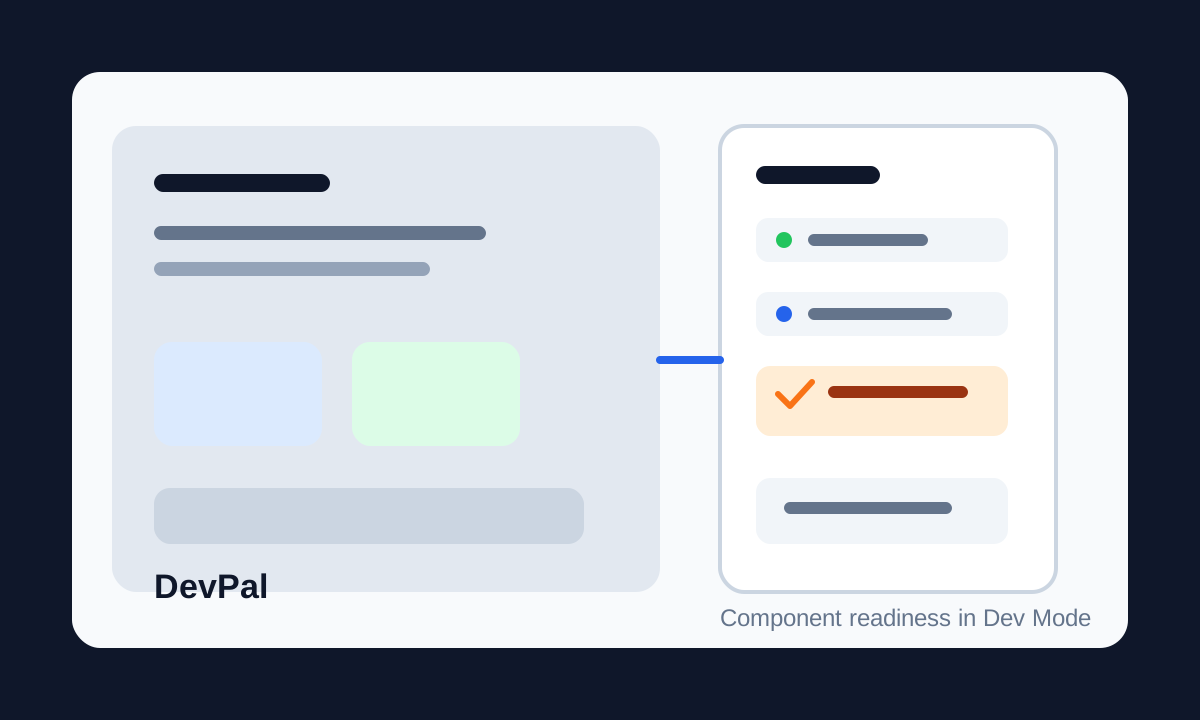
When a developer selects a component, DevPal shows component type, design status, dev status, version, code path, and changelog. The UI is intentionally quiet and Dev Mode-native: fast to scan, fast to update, and not trying to become another project management tool.
Separate Design and Dev Status
A component can be ready from design and still not implemented, or fully implemented and later made stale by design changes. DevPal keeps those tracks independent.
Stale Implementation Warning
If design changes after a component was partially or fully implemented, DevPal compares timestamps and warns that rework may be needed.
Component-Level Changelog
Each meaningful change stores text, author, user ID, timestamp, and clickable links, keeping history attached to the component.
Global Changelog
When no component is selected, DevPal shows recent system changes with search, author, component type, date filters, and pagination.
Product decisions
Trust mattered more than adding more fields
The hardest product question was not what data to show, but how to make developers trust it. I added editor permissions, read-only states, sync indicators, and timestamped metadata so people could understand whether they were looking at local, synced, or offline data.
The first user becomes an editor, later users request access, and non-editors can still inspect status without being able to rewrite shared handoff data.
Architecture
Local-first data, backend sync, and canonical component records
DevPal writes to Figma sharedPluginData first, then syncs with the Principal backend API when authentication and network access are available. That keeps the plugin useful even when remote sync fails.
Variants, component sets, and instances resolve to a canonical component record, so a developer inspecting one variant does not accidentally create a separate status history from the rest of the component set.
- Timestamp-based merge logic resolves local and remote conflicts for design status, dev status, and changelog entries.
- A semantic bridge namespace lets other Principal tools understand lifecycle state without depending on DevPal's internal schema.
- Dev Mode constraints such as dynamic document access, async instance resolution, and missing file keys shaped the final sync strategy.
Outcome
Handoff became a shared workflow instead of a guessing game
- Moved component readiness into the developer's actual inspection workflow.
- Reduced ambiguity between design intent and implementation progress by showing both status tracks together.
- Gave the Principal ecosystem a developer-facing companion where semantic design system intelligence becomes operational.